
Riverflow 2.5 Pro
Flagship image model with reasoning, font control, and up to 4K export for brand-critical stills.
I opened riverflow.ai and landed on a cream-and-blue studio layout with Space Grotesk headings, a hero grid of CPG and beauty stills, and copy about brand kits, batch editing, and four model tiers. Riverflow notes is a notebook from that visit — not a mirror of their homepage.
I did not log in or spend credits. Mapping the model docs, saving official showcase files, and reading how Riverflow 2.5 Pro frames reasoning and 4K export was enough for one sitting. When you need billing, sign-in, and the live composer, use the official Riverflow website.
Official assets
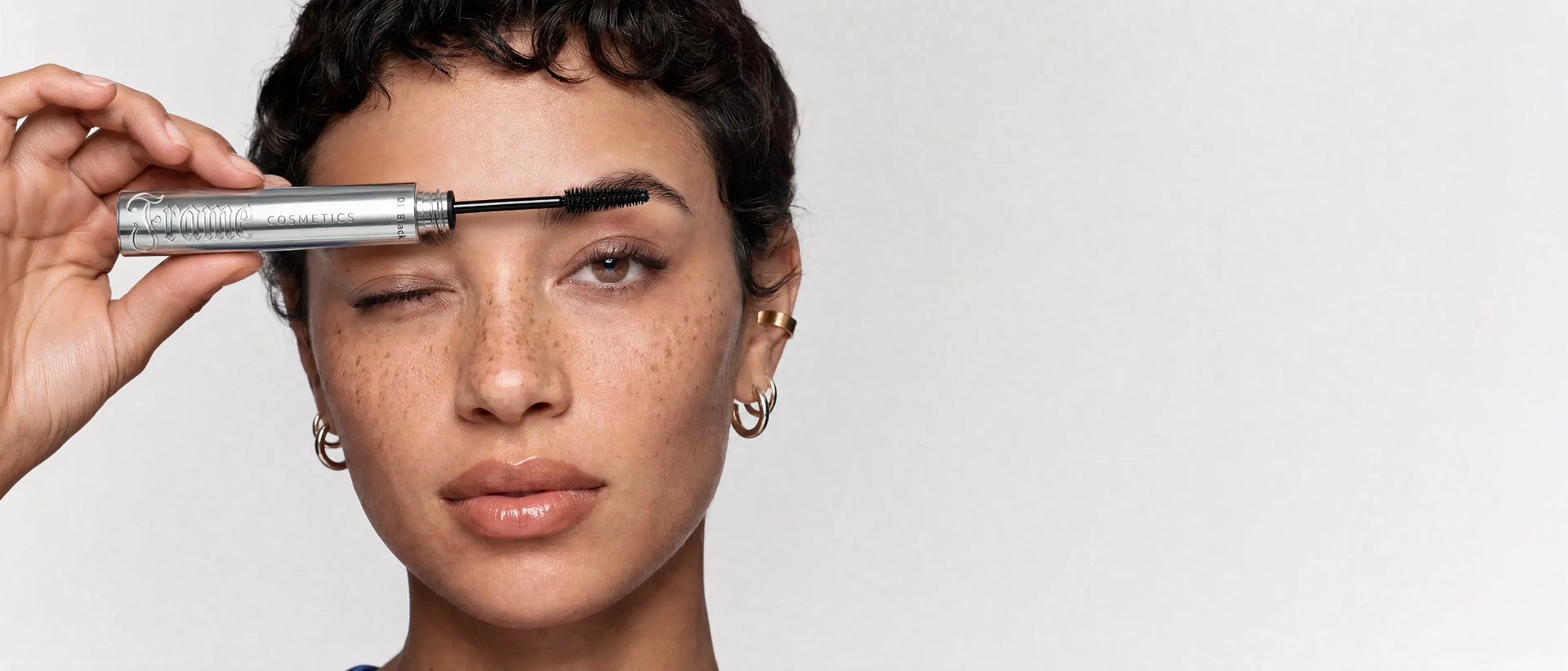
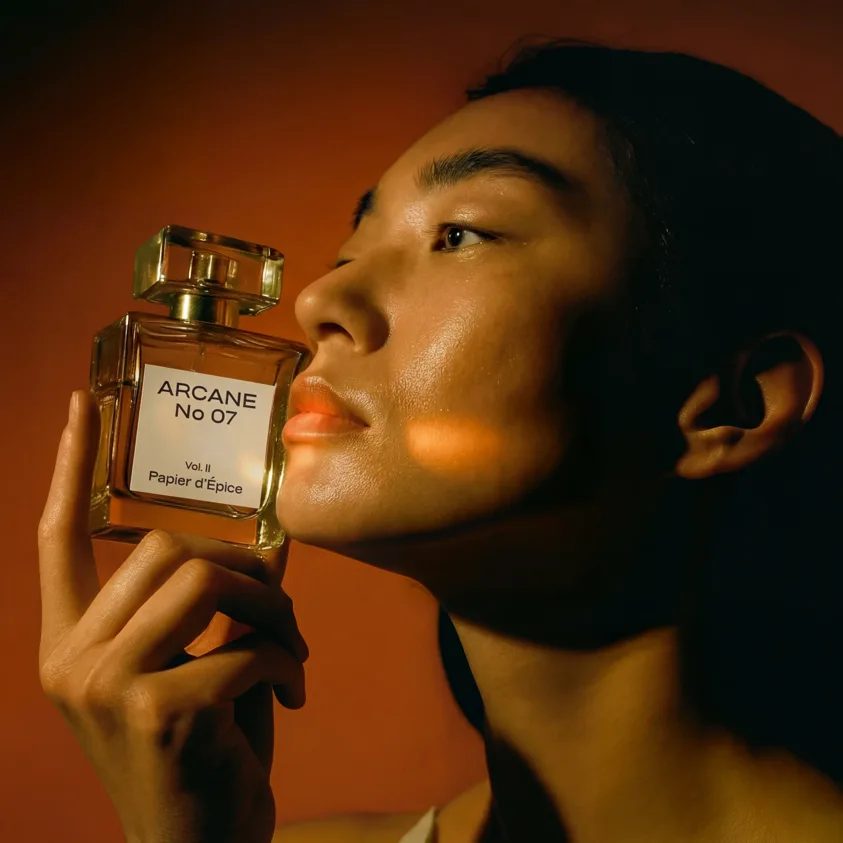
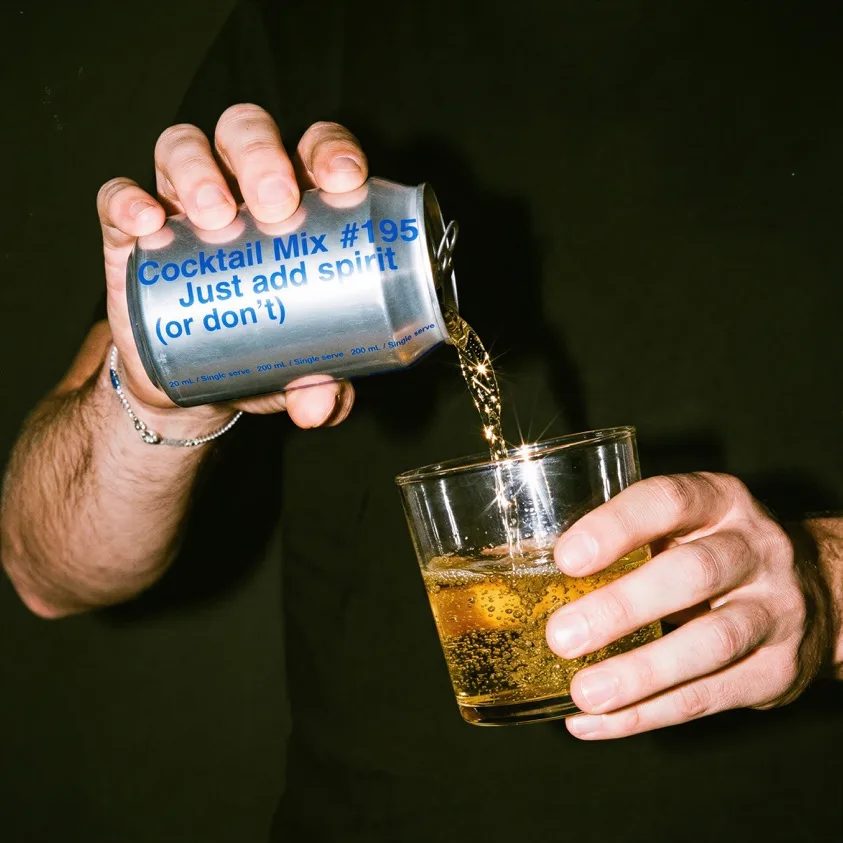
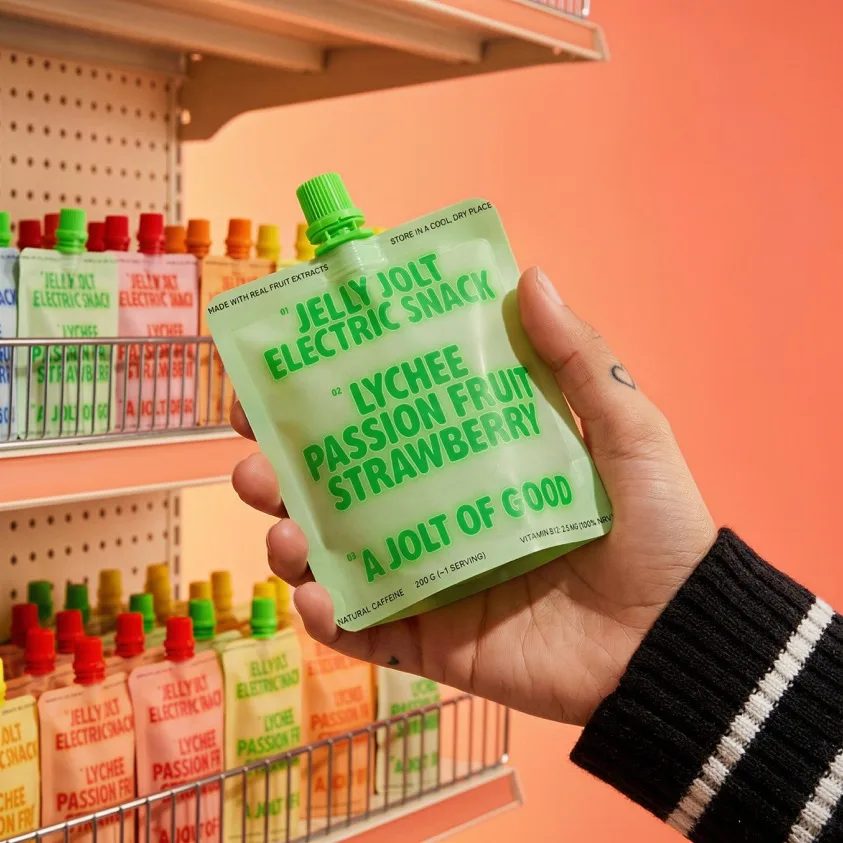
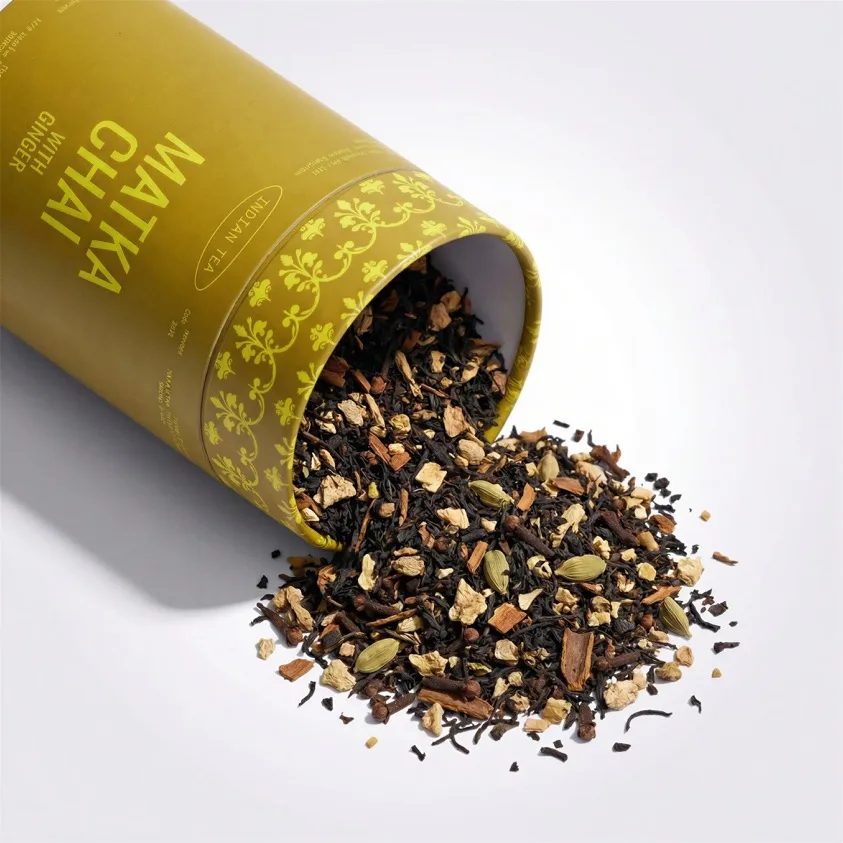
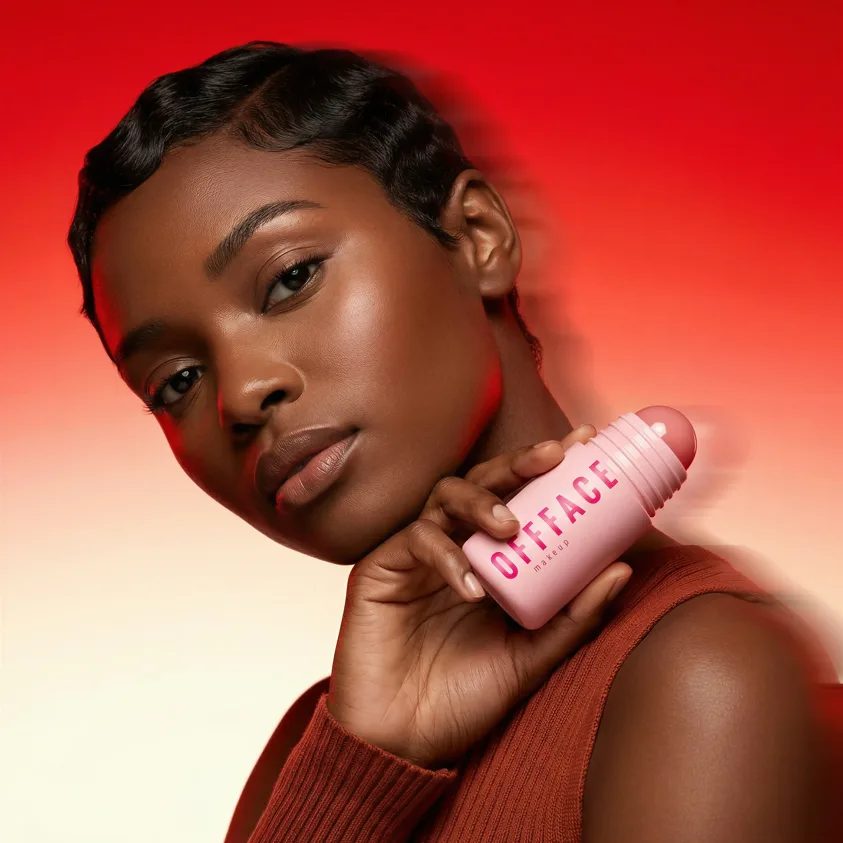
Six image cards from the examples grid — skincare, fragrance, CPG, snacks, coffee/tea, makeup — plus two inline text snippets a production team would actually paste: a brand-kit prompt for a skincare line and static ad copy for a canned drink launch. Every image file lives under brand/examples/image/; the text briefs are inline HTML, not separate downloads.
The mix mirrors what their homepage sells: beauty close-ups, pack shots, and ad-ready comps with readable type and logo placement. I did not pad the grid with stock filler or duplicate angles — eight cards because eight assets made sense for this overview.
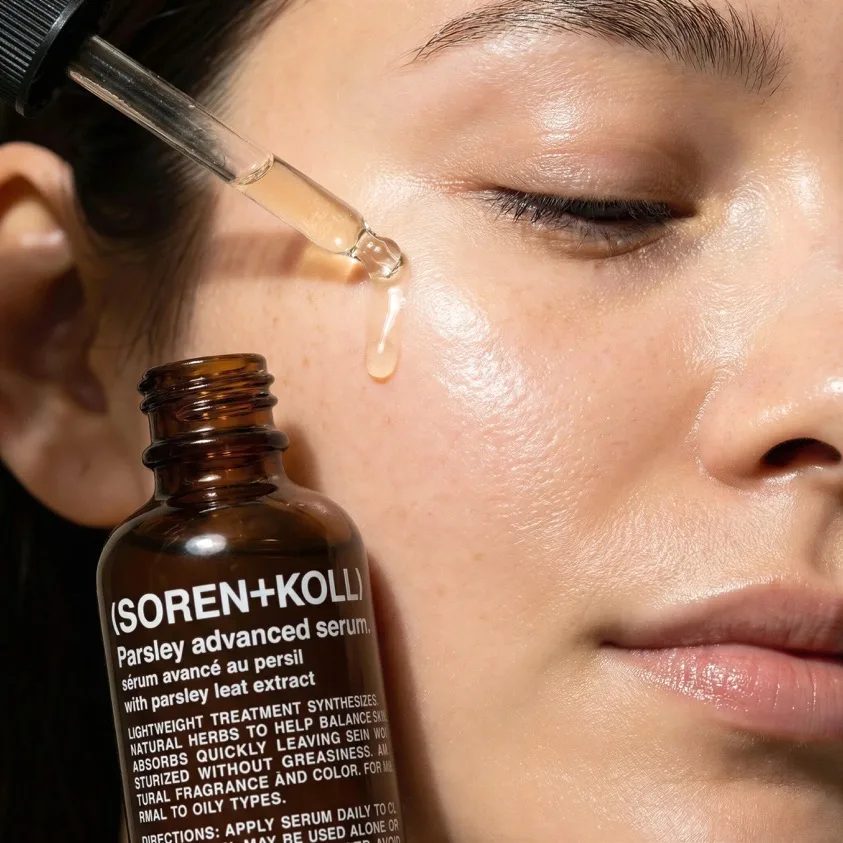
Brand: Lumina Skin Co.
Tone: clean, clinical warmth
Palette: sage #8BA888, cream #F5F0E8, deep teal accents
Typography: geometric sans, generous whitespace
Shot style: soft window light, macro texture on serum droplets
Deliverables: hero still, 3 product angles, lifestyle face crop
Constraints: no medical claims, retain logo lockup bottom-right
Model: Riverflow 2.5 Pro · export 4K
HEADLINE: Spark Without the Crash
SUB: New Citrus Wave — zero sugar, full fizz
CTA: Find yours at shelves near you
FORMAT: 1080×1080 static · brand blue #2A6AFF on cream
HERO: chilled can with condensation, citrus slice rim light
BADGE: NEW — limited summer drop
Model: Riverflow 2.5 Fast · static-ads preset
Workflow
Three steps rewritten after I clicked through the composer shell and help docs — not a workflow invented for SEO.
Define palette, fonts, logo rules, and shot style before you generate. Riverflow markets brand kit setup as the difference between on-brand catalog work and one-off prompt roulette. I would paste something like the Lumina Skin brief in the showcase — constraints, deliverables, model tier — then lock the kit.
Choose Riverflow 2.5 Pro when you need reasoning, font control, and 4K export. Choose Riverflow 2.5 Fast for high-volume static ads. Route photoshoots, static ads, image editing, or video generation from the category that matches the deliverable — not a generic “generate” button.
Upload plates or import catalog SKUs, run multi-step edits on Riverflow 2.5, then batch seasonal swaps across the set. Export at the resolution the brief requires — Pro for print-ready 4K, Fast when feed specs cap lower. I did not run a fifty-SKU batch without credits; I am mapping the workflow the docs describe.
What it is
Riverflow is an AI brand production platform at riverflow.ai aimed at teams that need on-brand stills, edits, and short motion without reshooting every SKU. The public site presents a studio workspace, brand kit setup, product catalog imports, batch editing, and MCP integration for agent-driven workflows — language that matches a CPG or beauty brand ops team, not a casual “type a prompt” toy.
The current model line centers on Riverflow 2.5 and its variants. Riverflow 2.5 Pro is the flagship image model with reasoning, font control, and up to 4K export — the tier I would reach for when headline type and label legibility matter. Riverflow 2.5 Fast trades some fidelity for speed when you are producing dozens of static ads per week. Riverflow 2.5 is described in help docs as the number-one ranked image editing model — the default lane for multi-step upload-and-edit work. Riverflow 2.0 remains the multi-step editing foundation the 2.5 generation builds on.
Categories on the live product split the work the way production teams actually brief it: photoshoots for campaign-ready product and lifestyle stills, static ads for square and feed comps with headline space, image editing for upload-and-retouch passes, and video generation when the deliverable needs short motion. I would not merge those into one generic page because export specs and review cycles differ — a 1080×1080 ad comp and a 4K pack shot are different gates even when the prompt sounds similar.
Brand kit setup is the workflow Riverflow markets hardest after the models themselves. Define colors, typography, logo placement, and shot style once, then reuse across catalog imports and batch edits. Product catalog imports target SKU-heavy brands — bulk pack shots without a reshoot per variant. MCP integration matters when generation should live inside an agent stack rather than only in the web composer. Batch editing covers seasonal label swaps, locale variants, and the same relight pass across dozens of uploads.
One thing I noticed on riverflow.ai: the visual language uses cream backgrounds, blue primary accents, Barlow body type, and Space Grotesk headings — a calm studio aesthetic that matches CPG and beauty clients. The examples grid leads with faces, bottles, and cans with condensation, not abstract “AI art.” That positioning tells you who they expect in the seat.
For live generation, credits, and sign-in, leave this notebook and open the official Riverflow website. Primary buttons here open a local dialog — honest about what this site is.
Product paths
I split these the way the live site does — photoshoots, static ads, image editing, and video generation are different deliverable lanes, not one blurred “AI images” bucket.
Campaign-ready product and lifestyle stills with brand-kit consistency across a shoot set.
Square and feed-format comps with headline space, product hero, and on-brand typography.
Upload-and-edit workflows — swap backgrounds, relight, retouch, and hold logo placement.
Short motion outputs from stills or briefs when the brief needs movement, not just a PNG.
Scenarios
These four scenarios map to how brand ops teams actually onboard — kit first, catalog second, integration third, batch fourth.
Define colors, fonts, logo rules, and shot style once — then reuse across every generation.
Bulk-import SKUs and generate consistent pack shots without reshooting every variant.
Wire Riverflow into agent workflows via MCP when generation should live inside your stack.
Apply the same edit pass across dozens of uploads — seasonal swaps, label updates, locale variants.
Lineup
Newest names first, matching the model grid order I saw on riverflow.ai.
Flagship image model with reasoning, font control, and up to 4K export for brand-critical stills.
Faster variant tuned for high-volume brand production when turnaround beats max fidelity.
Number-one ranked image editing model per help docs — the default lane for multi-step edits.
Multi-step editing foundation — the generation the 2.5 line builds on for iterative brand work.
Riverflow notes is independent. Pricing, credits, and live generation live on the official Riverflow website. Model names and spelling follow riverflow.ai — not translated or renamed here.
Primary buttons here open a local dialog. The studio itself — credits, sign-in, and generation — sits on riverflow.ai.
Why it stands out
Palette, fonts, and logo rules travel with every generation — the answer to “why do our AI comps look off-brand?” without retraining a custom model.
Riverflow 2.5 and 2.0 emphasize iterative edits on uploads — swap backgrounds, relight, retouch — rather than full scene regeneration from scratch each time.
2.5 Pro markets font control and readable headline type inside frames — critical for static ads where illegible AI type kills the comp.
Product catalog imports and batch editing target SKU-heavy brands — seasonal swaps and locale variants without a reshoot per variant.
Pro tier copy mentions 4K export for print-ready work; I did not export at max resolution without credits, but the spec is on the page for teams that need it.
Integration docs matter when briefs originate in internal bots — generation inside the stack, not only in a browser tab.
Fit
The examples grid — skincare faces, fragrance, canned drinks, snacks — maps directly to pack shot and lifestyle briefs CPG marketers run weekly.
Static ads category and 2.5 Fast positioning target high-volume feed comps where turnaround beats max fidelity on every frame.
Brand kit setup, catalog imports, batch editing, and MCP integration read as tools for the person who owns the pipeline — not only the designer clicking generate once.
Questions
Riverflow is an AI brand production platform at riverflow.ai built for teams that need on-brand stills, edits, and short motion without reshooting every SKU. The homepage I opened led with a cream-and-blue studio aesthetic, a grid of CPG and beauty examples — skincare faces, fragrance bottles, canned drinks — and copy about brand kits, batch editing, and model tiers. This notebook focuses on the four Riverflow-branded image models and the production workflows their help docs describe; I did not treat third-party names as Riverflow products.
Four names I kept from the product and help pages: Riverflow 2.5 Pro as the flagship with reasoning, font control, and up to 4K export; Riverflow 2.5 Fast for high-volume brand production; Riverflow 2.5 as the number-one ranked image editing model per their help docs; and Riverflow 2.0 as the multi-step editing foundation the 2.5 line builds on. Spelling matches riverflow.ai — I did not translate or rename them.
Riverflow sells brand kit setup as a first-class workflow: define palette, typography rules, logo placement, and shot style once, then reuse across photoshoots, static ads, and catalog imports. That is different from typing a fresh prompt per asset — the inline brand-kit snippet on this page is the kind of brief a production team actually copies. I would lock the kit before batch runs; changing colors mid-catalog creates rework.
Help docs list video generation as a category — short motion from stills or briefs when the deliverable needs movement. I have not burned credits on motion exports for this write-up; the showcase here is image-first because those files downloaded cleanly from the examples grid. If you need clips, check the live product; I will not pretend video and stills share identical quality tiers without testing.
Riverflow documents MCP integration for teams that want generation inside agent workflows — useful when briefs originate in a chat tool or internal bot rather than the web composer alone. I did not wire an MCP server for this overview; I am mapping what the docs claim, not running an integration test.
Credits, pricing, sign-in, and the live composer are on the official Riverflow website. Primary buttons on this overview open a local dialog, not checkout. I did not sign in for this write-up — I stopped at the marketing layer, saved showcase files, and read the model docs.
Reader notes
Five reader impressions about this overview — not official product reviews.
Jordan M.
★★★★★
The brand-kit section matched what I saw in their examples grid — skincare, fragrance, CPG — not random stock.
Priya K.
★★★★☆
Model names are spelled exactly like riverflow.ai help docs. That matters when you are fact-checking before a client deck.
Alex R.
★★★★★
I liked that the author admits not burning credits on Pro 4K. Too many AI reviews pretend they exported print-ready stills.
Sam T.
★★★★☆
MCP integration as its own use case saved me from assuming everything lives inside the web composer only.
Casey L.
★★★★★
The inline brand-kit prompt snippet is the kind of detail a production team actually copies — not marketing fluff.
When you are ready for credits and sign-in, leave this notebook and open riverflow.ai.